Turn Audio Sketches into Animations
Record your sketch. AI transcribes, detects scenes, splits scenes into shots, generates images and animates them. You're always in the loop. Audio is the soul — the visuals are just there to keep eyes busy.
Designed by a comedian.
Developed by an engineer (same guy).
How It Works
Audio first. Visuals second. That's where the soul lives.
Record Your Soul
Upload your audio in any format. This is where your art lives — everything else is just decoration.
AI Listens
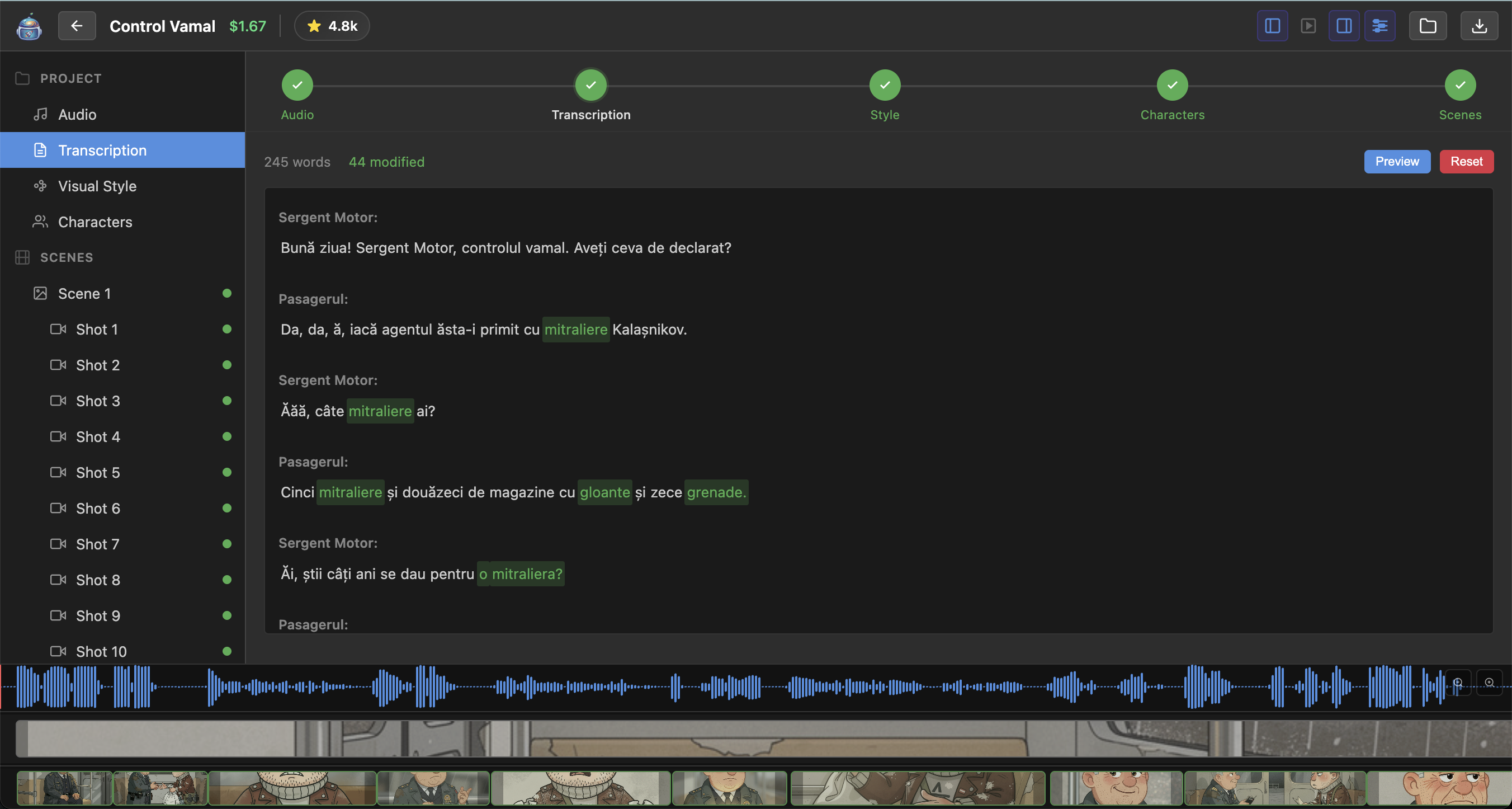
Transcription with word-level timing. Detects speakers too. It's not perfect, but it's pretty good.
Scenes Emerge
AI reads your story and goes "ah, new scene here." You can override it. You probably will.
Pictures Appear
AI generates images for each scene. They match your style. Most of the time. Regenerate until happy.
Export Magic
Hit export, get an MP4. Add gentle animation. Watch your audio become motion comics.
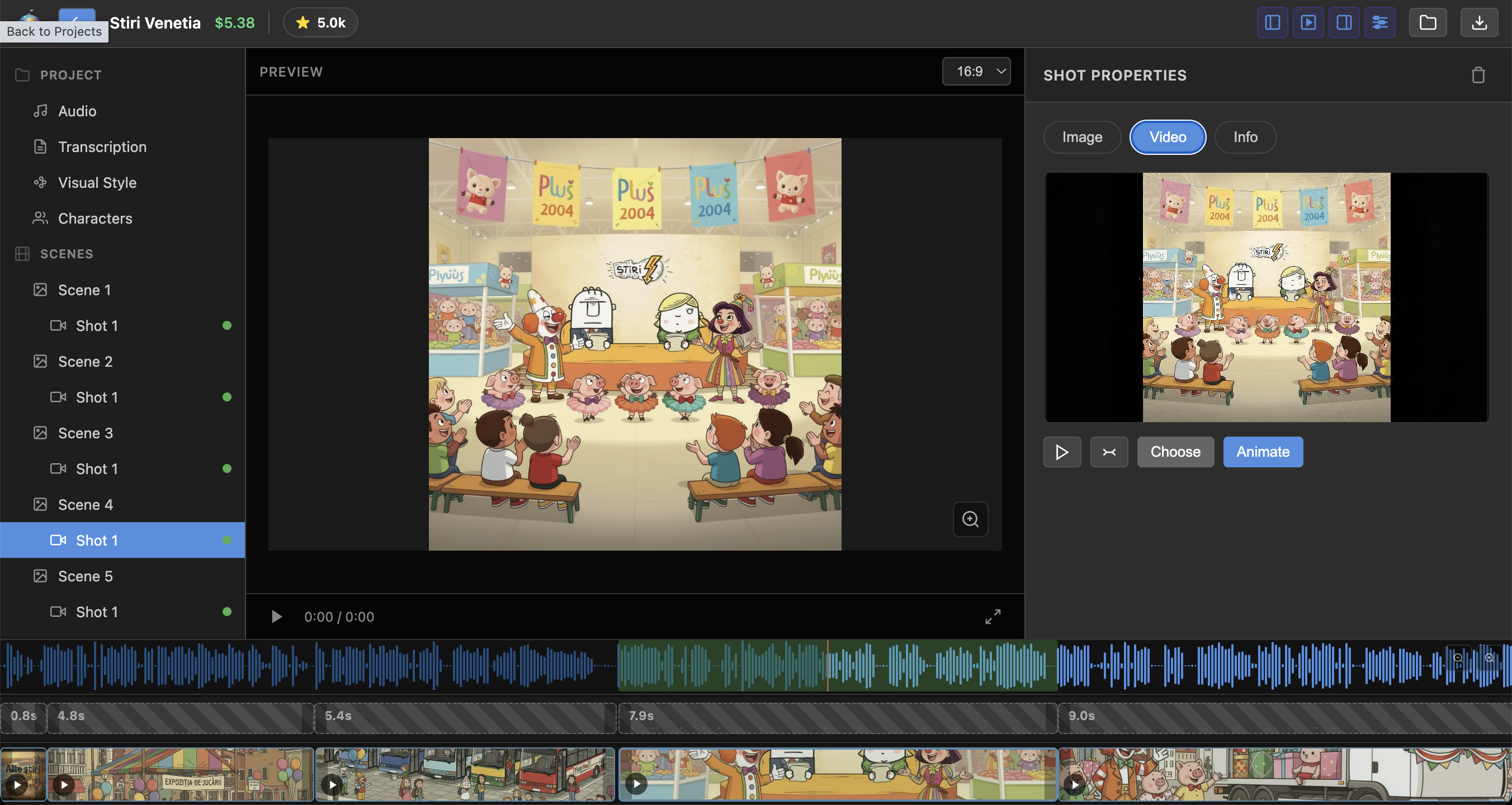
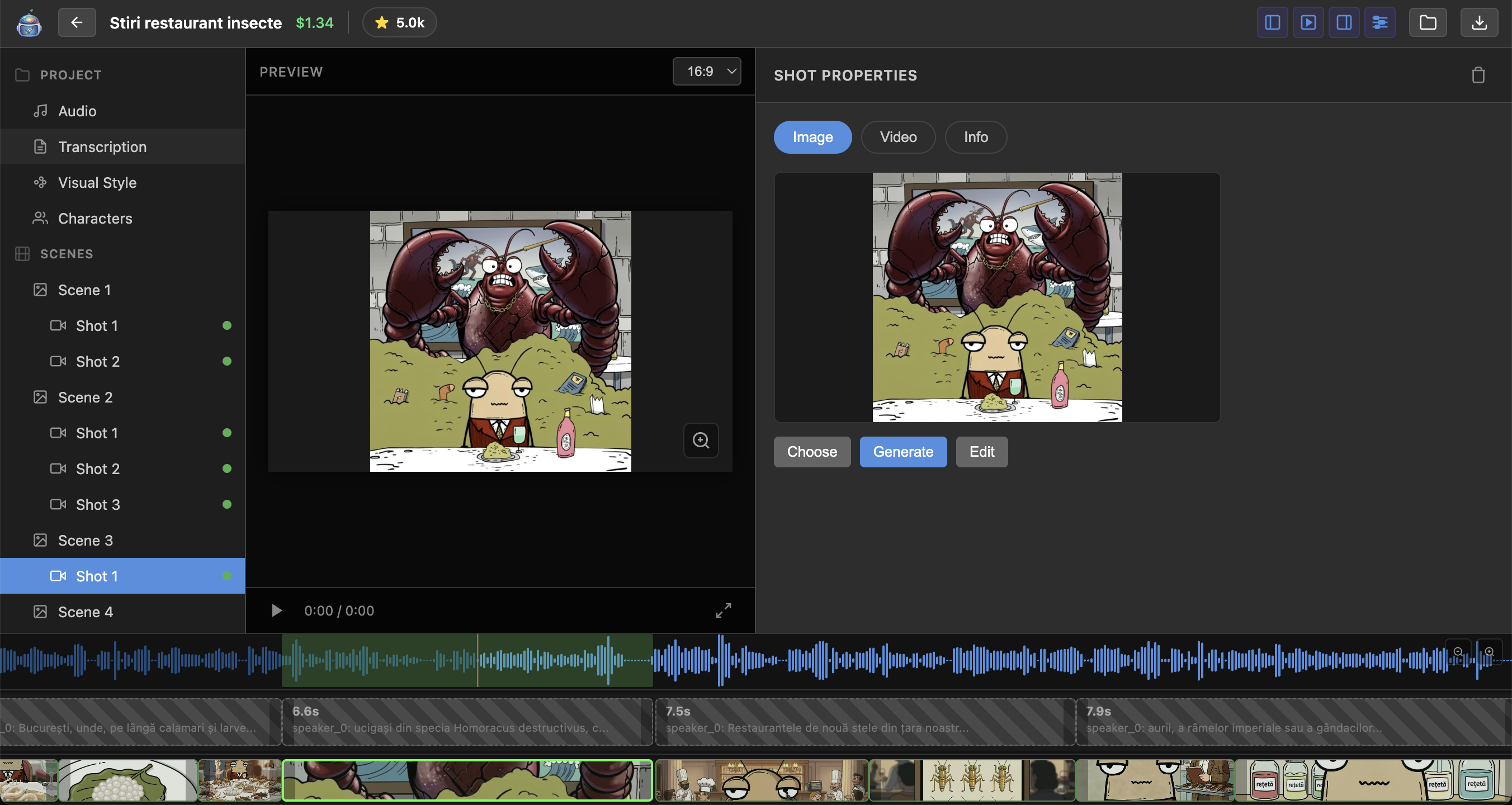
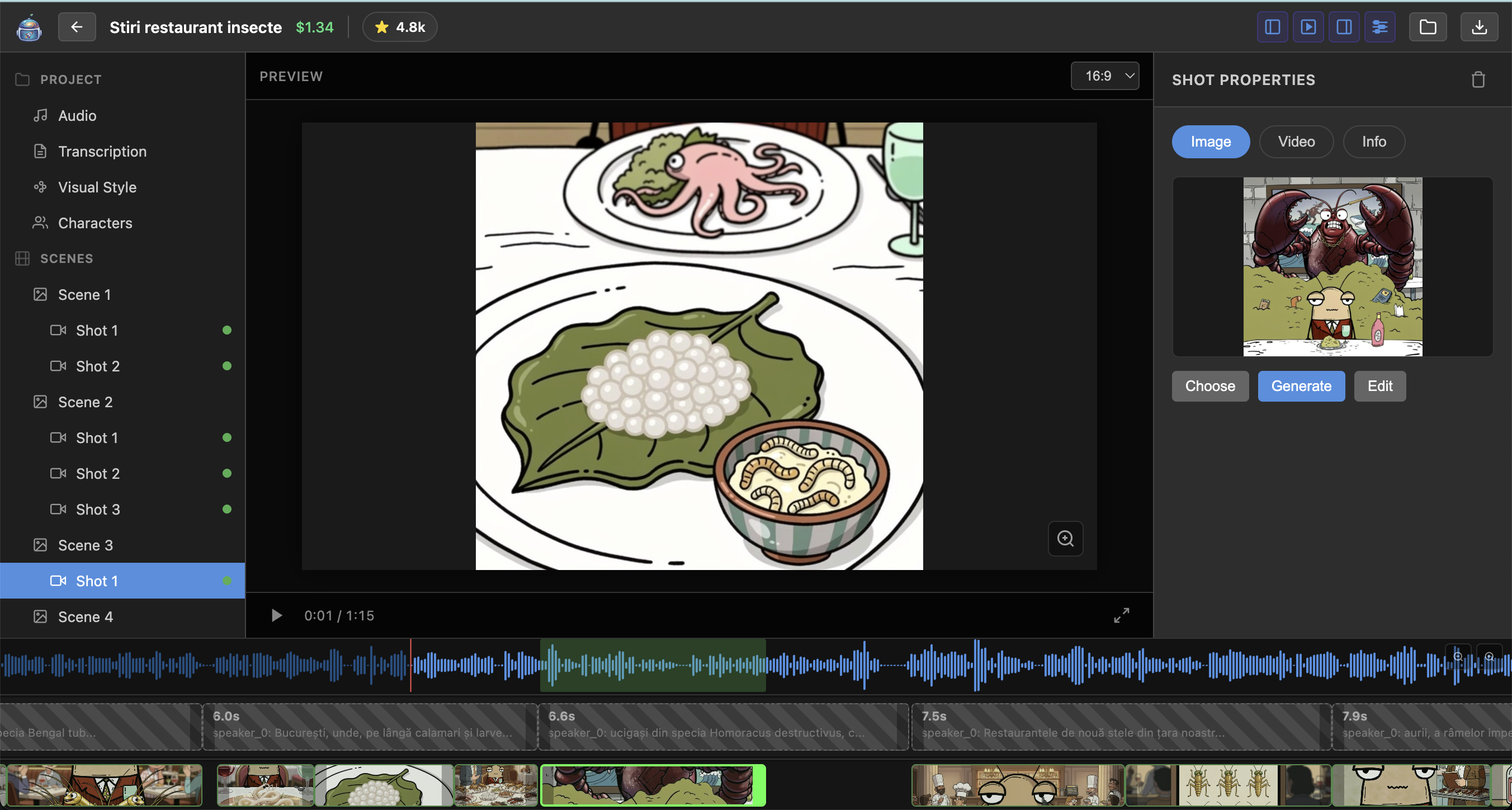
Screenshots
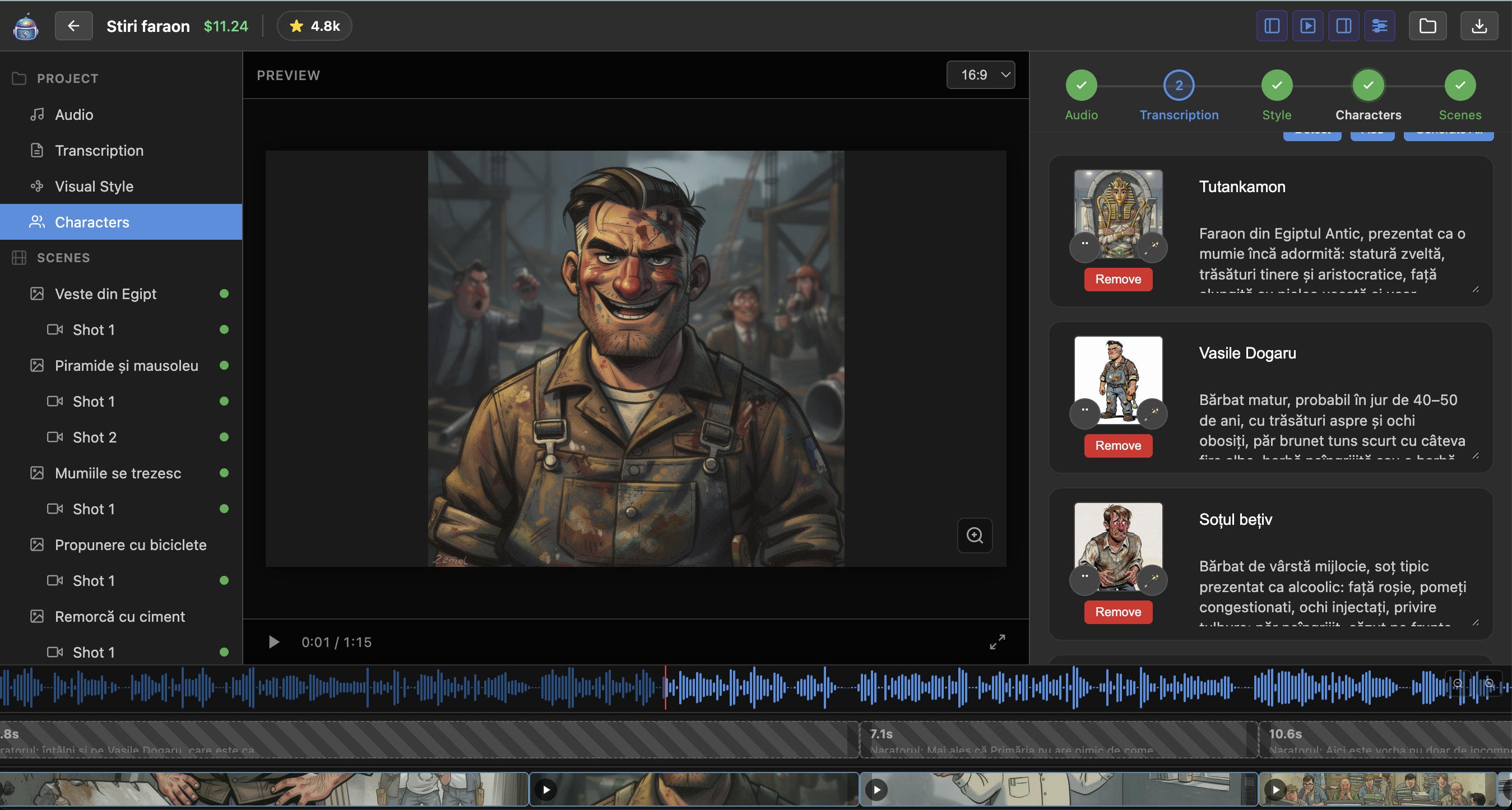
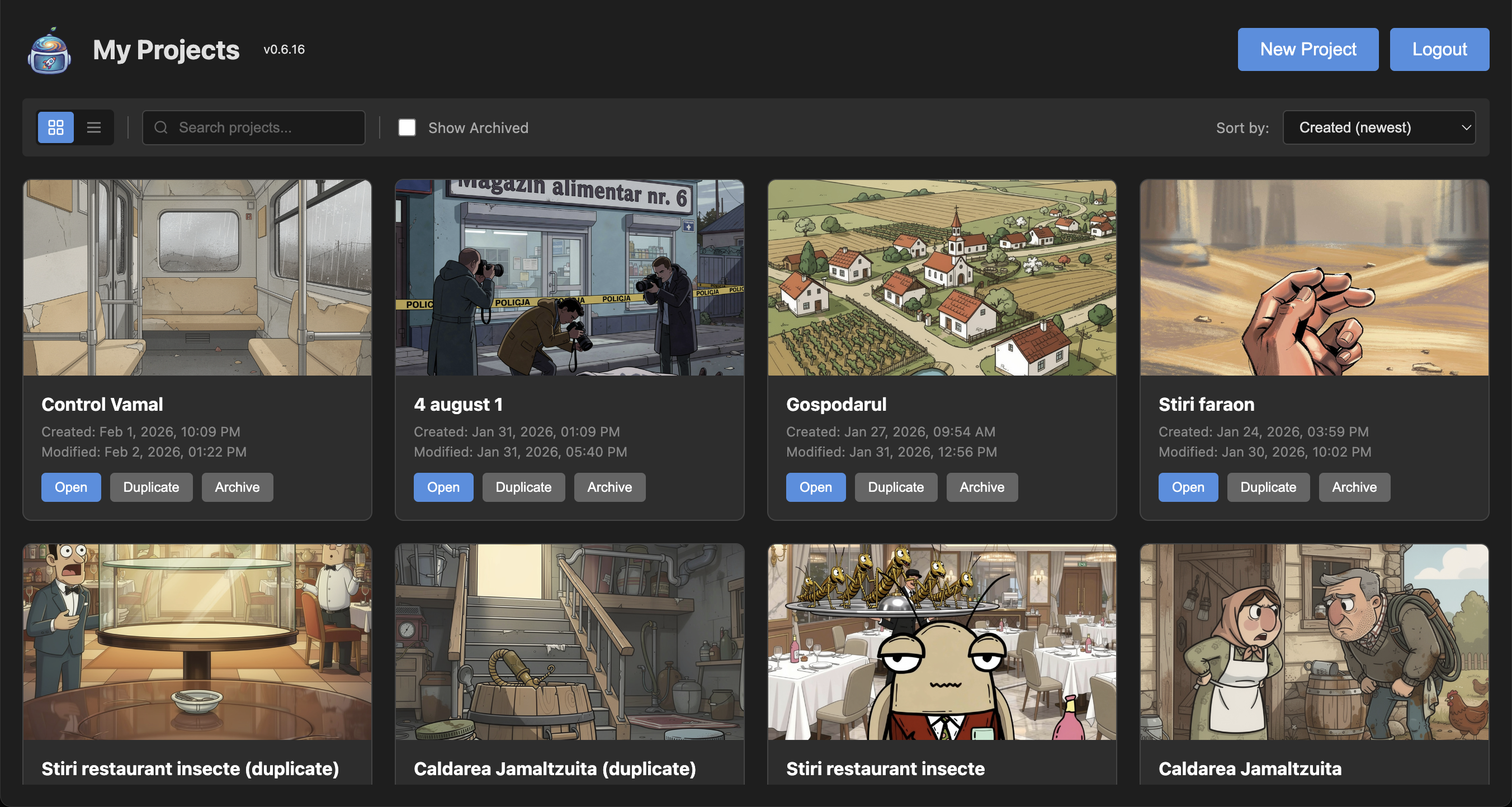
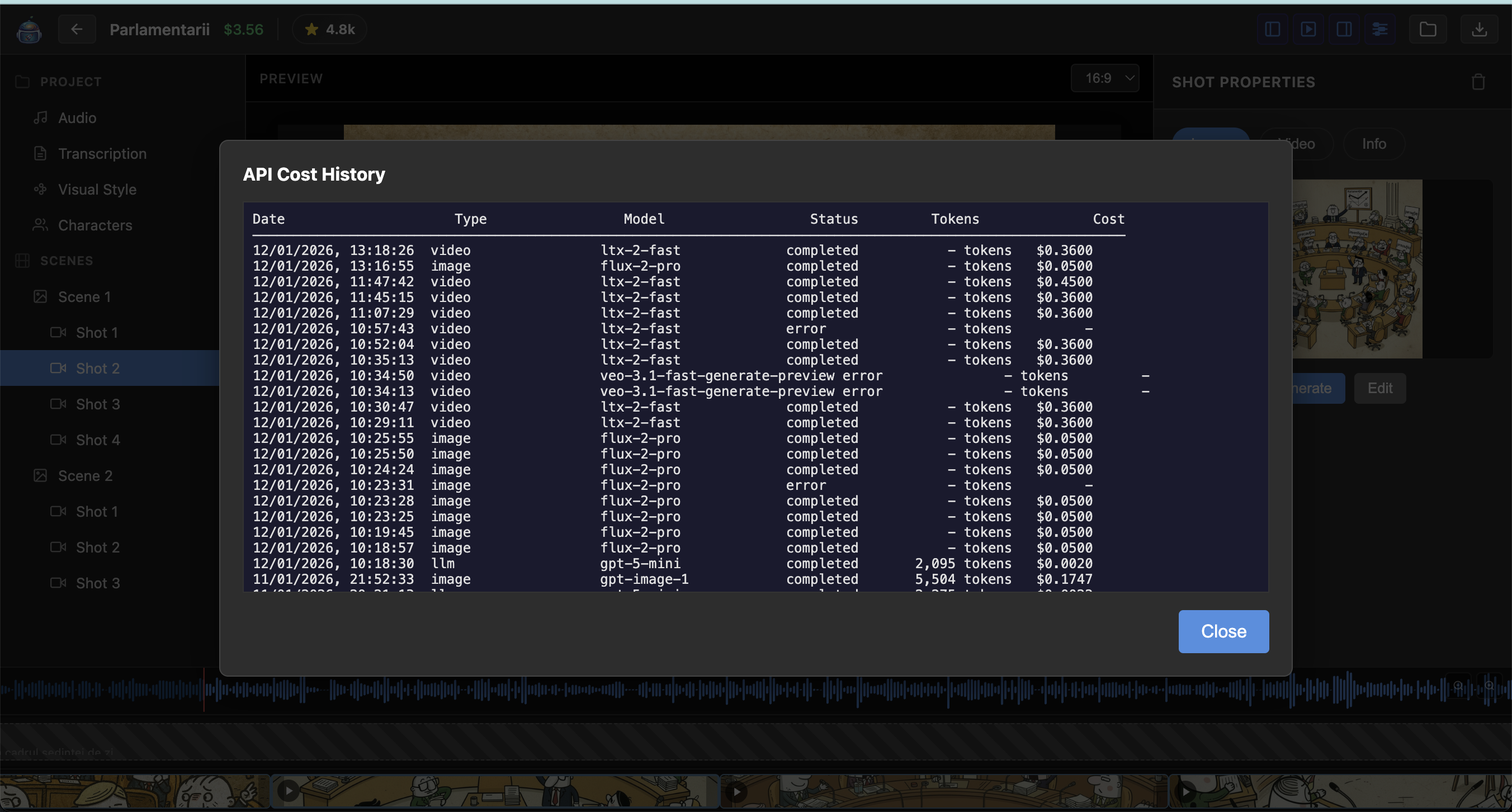
Unretouched. This is really what it looks like.
What's In The Box
Everything you need to turn audio into motion comics
Pick Your AI Overlords
OpenAI, Flux, Grok, Sora, Veo, LTX — use whichever AI you trust most. None are sentient. Probably.
Characters That Stay Consistent
Upload character reference images. AI remembers what they look like. Most of the time. Okay, sometimes it forgets.
Your Style, Everywhere
Define your visual style once. Apply it to every image. Achieve that "yes, these belong together" feeling.
Timeline That Makes Sense
See your audio waveform. Click anywhere to seek. Zoom in on that one word that needs tweaking. It's not Pro Tools, but it works.
Export Without Drama
MP4 up to 1080p/60fps. Fade transitions. Multiple quality presets. Hit export, go make coffee, come back to video.
Runs On Your Machine
Desktop app. Your data stays on your computer. No cloud uploads. No accounts. Just you and your local hard drive.
No Subscription Tax
The app is free. Forever. You bring API keys, pay providers directly. No middleman markup. We track every cent so you know where it goes.
Tweak Everything
Don't like how AI prompts are written? Change them. Every prompt is editable. Go wild. Break things. Learn stuff.
Supported AI Models
A buffet of artificial intelligence. Pick your favorites.
Image Generation
- OpenAI GPT Image 1 / 1.5 The fancy one. Best quality, supports character references. Knows what hands are (usually).
- Flux 2 Pro / Max Fast and flexible. Up to 8 reference images. Good for when you need speed.
- Grok-2 Image Budget-friendly and quick. Great for drafts or when you're feeling frugal.
Video Animation
- Sora 2 / Pro OpenAI's video model. Up to 25 seconds, 1080p. Smooth movement, premium price.
- Google Veo 3.1 Fast preview or high quality modes. Google's take on making images wiggle.
- LTX-2 Up to 20 seconds, most affordable. The sensible choice for your wallet.
What It Costs
The software itself is free (during pre-release). The AI isn't. But it's cheaper than you think.
100% Free App
Planetanium runs on your computer. No accounts. No subscriptions. No cloud fees. You bring your own API keys and pay providers directly for what you generate. The app tracks every single API call so you always know exactly where your money went.
Typical cost for a 2-minute animatic:
- Transcription (AI listens)~$0.02
- Scene detection (AI thinks)~$0.01
- 10 images (AI draws)~$0.50
- 10 animations (AI wiggles)~$1.00
- Total damage~$1.50
Costs vary by model and how many times you regenerate because the hand looked weird.
Download Planetanium
Free. Local. Yours. Currently v0.8.5 — still alpha, but getting better every week.
Needs: 4GB RAM, 500MB disk, internet for AI generation. Coffee optional but recommended.
Questions People Actually Ask
Why animatics instead of "real" video?
Because I'm honest about what this is. Hollywood video has actors, lighting, camera movement, and budgets larger than my apartment. This is motion comics — images that breathe, synced to your voice. It's its own art form. Think graphic novels that move.
What API keys do I need?
At minimum, an ElevenLabs key (for transcription — yes, the voice company does transcription) and one image generation key (OpenAI, Flux, or Grok). For animation, add Sora, Veo, or LTX. Collect 'em like Pokemon.
Is my data private?
Completely. The app runs on your computer. Your audio, images, and videos never leave your machine. The only thing that goes to the cloud is your AI requests — and those go directly to providers, not through me. I literally cannot see your projects.
What audio formats work?
Pretty much everything. MP3, WAV, M4A, OGG, FLAC, and whatever else your system supports. If it makes sound and isn't encrypted, we can probably use it.
Can I use my own images?
Absolutely. Upload any image for any scene. Mix AI-generated and hand-made freely. Your custom images, your AI images, stock photos — whatever tells your story.
What video formats can I export?
MP4 with H.264. 480p, 720p, or 1080p. 24, 30, or 60 fps. Configurable fade transitions. It's not Cinema 4K, but it plays everywhere.
Do I need internet?
Only when asking AI to do things. The app itself works completely offline — editing, timeline, export all happen locally. Go to a cabin in the woods, make animatics. Just... download your AI content first.
Is this really alpha software?
Yes. It has bugs. Sometimes weird ones. I'm actively developing it and fixing things constantly. But it works well enough that I use it myself. If you're okay with rough edges in exchange for free and useful, we'll get along fine.